Setup · Smart TV
Vikings IPTV on Samsung, LG & Android TV
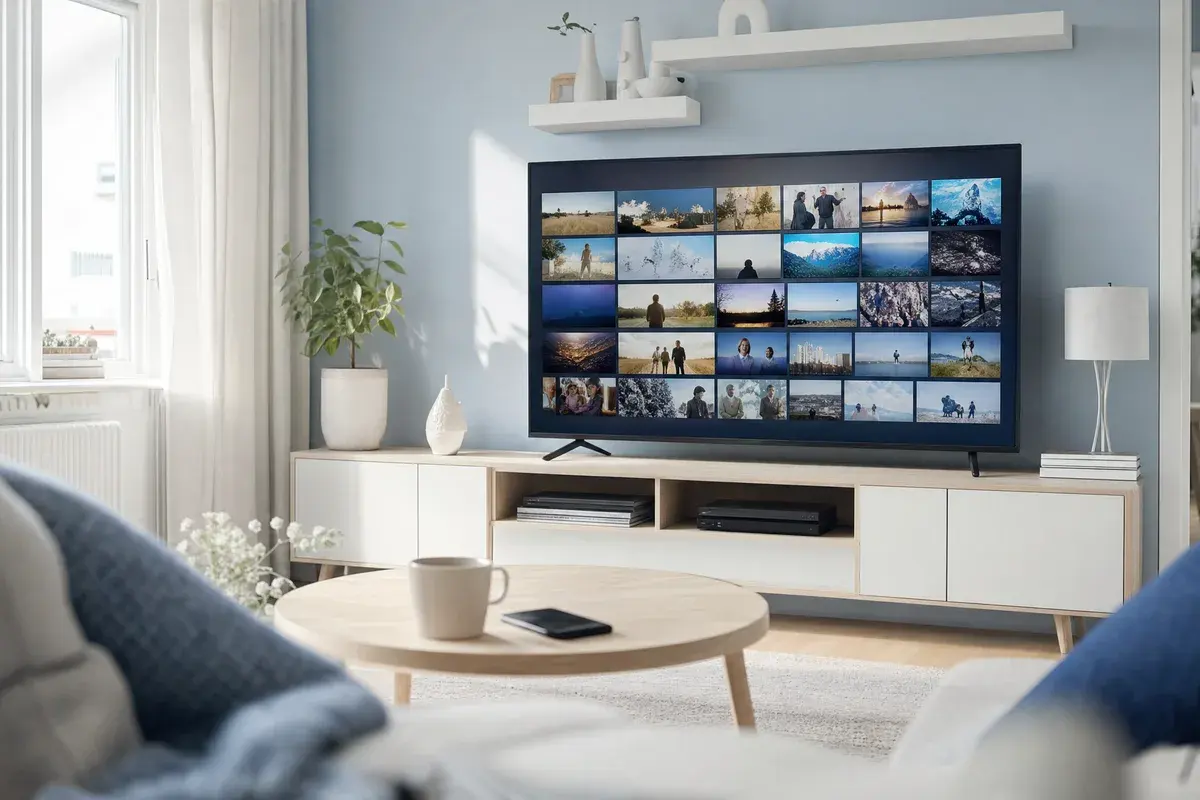
No extra hardware needed: if your TV already runs Samsung, LG or Android TV software, Vikings IPTV installs directly from the app store in a few short steps.
1. Open your TV's app store
On Samsung (Smart Hub), LG (LG Content Store) or Android TV (Google Play), search for an IPTV player app.
2. Install an IPTV app
Install IPTV Smarters, TiviMate (Android TV) or another compatible player.
3. Add your credentials
Enter the M3U link or Xtream codes you received after ordering Vikings IPTV.
4. Load the guide
The Nordic and international channel guide and EPG load automatically — you're ready to watch.
Older TVs without an app store still work with a Fire TV Stick plugged into a spare HDMI port — see the Fire TV Stick setup guide.
Need help with your smart TV?
We can help set up the app remotely if needed. Not subscribed yet? See Standard & Premium pricing.