Best IPTV Player for Nordic 4K Sports 2026
August 16, 2026 · 8 min read
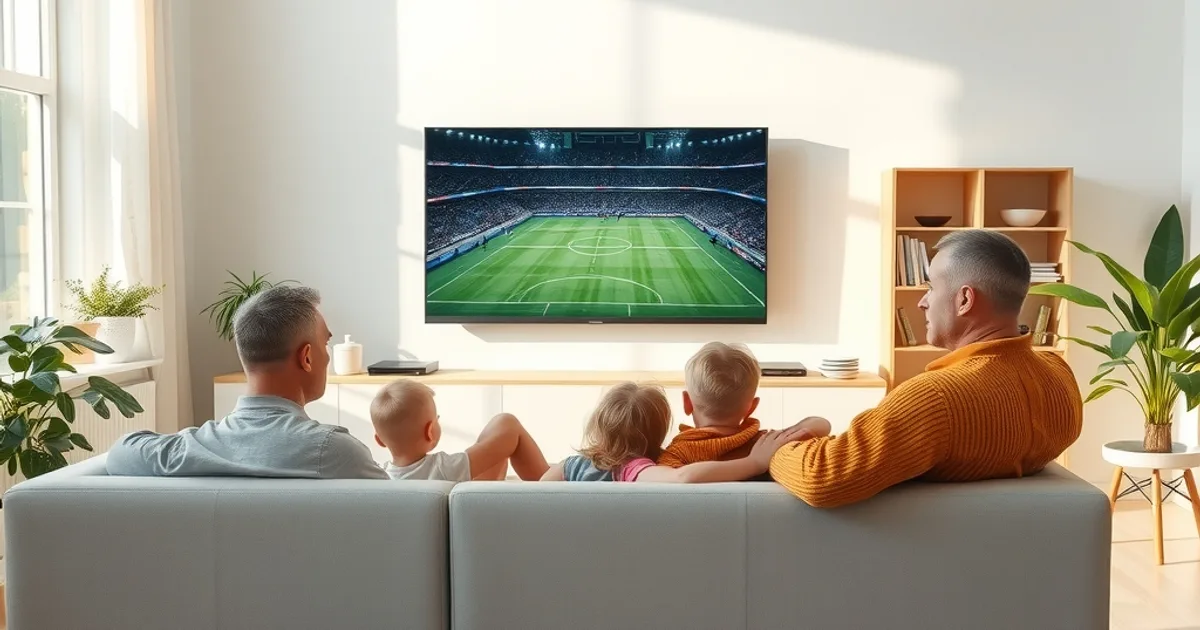
Allsvenskan is deep into its autumn run-in, and this summer's World Cup — held June 11 to July 19, 2026 across the US, Mexico and Canada — already put every streaming setup in Nordic homes through a real stress test. Big kickoffs, packed group-stage nights, and knockout matches with millions watching at once expose exactly which apps hold up and which ones stutter. Yet most 'best IPTV player' roundups are written for a generic global audience: they rank apps by app-store polish, not by what actually happens when a Djurgården–AIK derby or a World Cup semifinal is buffering in 4K on a Tuesday night in Stockholm or Oslo.
The device you stream on — Fire TV Stick, Apple TV 4K, an Android TV box, a Samsung or LG smart TV — only gets you halfway there. The player app running on top of it decides how fast you switch channels, how accurate the EPG is for kickoff times, whether the picture holds together at 4K bitrates, and whether the same match stays in sync if you've got it playing in the living room and the kitchen at once.
This guide compares the three apps that actually matter for IPTV in 2026 — TiviMate, IPTV Smarters Pro, and Kodi — specifically for Nordic sports viewing: Allsvenskan, World Cup football, and the Nordic-market channels households actually watch alongside them.
Why app choice matters as much as device choice
A fast box paired with a clunky player is still a clunky experience. The app is what parses your channel list, builds the EPG, manages the video buffer, and decides how it reconnects when a stream hiccups — and on a big match night, that last part matters more than almost anything else.
Three things separate a good sports player from a mediocre one: channel-switch speed (how long you wait between pressing a number and seeing picture), EPG reliability (whether kickoff times and half-time breaks show up correctly, which matters a lot around World Cup time-zone conversions), and recovery behavior when a stream drops for a second — some apps quietly re-buffer and keep you in sync with live play, others kick you back to a black screen or a frozen frame.
None of this shows up in a screenshot comparison. It only shows up when you're actually watching a full 90 minutes plus stoppage time, which is the test we're applying here rather than a feature checklist.
Not sure which player app fits your setup? Ask us directly and we'll walk you through it.
TiviMate: the polished cable-TV replacement
TiviMate is built to feel like a set-top box, not an app. The EPG grid scrolls smoothly, favorites and channel groups are easy to organize by league or country, and once your playlist is loaded the interface caches enough locally that channel-to-channel switching feels close to instant rather than reloading a stream from scratch each time.
Its real strength for Nordic households is customization: you can group Allsvenskan coverage, Nordic entertainment channels, and World Cup feeds into separate rows so nobody's hunting through a flat alphabetical list during kickoff. Picture-in-picture support also means you can keep an eye on a second match while the main screen plays something else.
The catch is platform support. TiviMate runs natively and best on Android-based devices — Fire TV, Android TV boxes, Nvidia Shield — but it has no official Apple TV or iOS app. Households built around an Apple TV 4K (see our setup guide at /blog/vikings-iptv-apple-tv-4k-world-cup-2026) either need a second Android-based box for TiviMate or should look at an app with real Apple TV support instead.
IPTV Smarters Pro: the universal workhorse
IPTV Smarters Pro's biggest selling point is coverage: it runs natively on Fire TV, Android TV, Apple TV, iOS, and has apps or web-based options for Samsung and LG smart TVs — the exact spread of screens a typical Nordic family actually owns. Setup is close to copy-paste: enter your playlist details once, and the same login works on every device without per-platform quirks.
The EPG and interface are noticeably plainer than TiviMate's — fewer customization options, a more basic grid — but that simplicity is also what makes it the easiest app to hand to a less technical household member without a walkthrough. If your goal is 'everyone in the house can find the match without calling someone for help,' Smarters gets there faster.
For multi-room setups specifically, that platform consistency matters: the same app looking and behaving identically on the bedroom Apple TV and the living room Fire TV cuts down on the 'which remote does what' confusion that multi-device Nordic households run into (more on that in our /blog/vikings-iptv-multi-room-setup-guide).
Kodi: the power-user option
Kodi isn't an IPTV app by default — it's a media center that becomes one through the PVR IPTV Simple Client add-on. That extra step is exactly why it's not the right pick for most households: you're manually configuring buffer sizes, EPG source URLs, and stream grouping rather than pasting in a link and pressing play.
For the people willing to put in that setup time, the payoff is real control. Kodi lets you tune buffer and cache settings specifically for high-bitrate 4K streams, which matters when Nordic ISP peering gets congested during a heavily watched match. It also has the widest add-on ecosystem of the three, useful for households that also want a single interface for local media alongside live channels.
Kodi runs on almost everything — Android TV, Fire TV, Windows, macOS, and with more limited support on some Samsung and LG sets — but the interface itself is dated compared to TiviMate or Smarters, and every new device you add means repeating the manual configuration. It's the right tool for one tech-comfortable person managing the whole household's setup, not for family members expected to self-serve.
Head-to-head: real-world Nordic sports performance
Channel-switch speed is where TiviMate has the edge — its local EPG and channel caching mean less waiting between pressing a number button and getting picture, which matters when you're jumping between an Allsvenskan match and a second screen showing scores. Smarters is a step behind but still fast enough that most viewers won't notice outside of a direct side-by-side. Kodi's speed depends entirely on how well you've tuned it — poorly configured, it's the slowest of the three; well tuned, it can match TiviMate.
4K handling is closer across all three, since the bottleneck is usually your connection and the source stream rather than the app itself. Where apps genuinely differ is reconnect behavior: TiviMate and Smarters both auto-retry quickly on a dropped stream, keeping you close to live play; Kodi's recovery depends on your PVR client settings and can lag noticeably if the buffer isn't tuned for it.
One Nordic-specific wrinkle worth knowing: some ISPs in the region apply traffic shaping to sustained high-bitrate video traffic during peak hours, independent of your plan speed. No player app can fully route around ISP-level throttling, but apps with faster, smaller reconnect cycles (TiviMate, Smarters) tend to recover more gracefully from the brief drops that throttling causes than apps that reload the entire stream from scratch.
For multi-room sync — keeping the same match live in two rooms without one screen running seconds behind the other — using the identical app and identical connection profile on both devices, rather than mixing TiviMate on one TV and Kodi on another, is the single biggest factor in keeping them aligned.
Setup comparison: Fire TV, Apple TV, Android TV, and smart TVs
Fire TV / Firestick: all three apps install here, but TiviMate and Smarters are both straightforward sideloads with guided first-run setup; Kodi needs the extra PVR add-on step on top. Our full walkthrough is at /blog/vikings-iptv-firestick-setup.
Apple TV 4K: Smarters is the clear choice since it has a native, App Store-distributed app with a proper tvOS interface. TiviMate has no official Apple TV version, and Kodi's tvOS support is limited and fiddly to sideload. See /blog/vikings-iptv-apple-tv-4k-world-cup-2026 for the exact steps.
Android TV boxes: this is TiviMate's home turf — smoothest install, best performance — with Smarters a close, simpler second option and Kodi available for anyone who wants the extra control. Full guide at /blog/vikings-iptv-android-tv-box-4k-setup.
Samsung and LG smart TVs, and Roku: native app availability is the most limited here. Smarters is the most likely of the three to have a workable native or web-based option on Tizen (Samsung) and webOS (LG); TiviMate isn't available on either; Kodi's smart TV support is inconsistent by model and firmware. Roku follows the same pattern — see /blog/vikings-iptv-roku-setup-guide before assuming any given app will install cleanly.
The family angle: simultaneous streams, profiles, and connection limits
Every IPTV plan has a limit on how many devices or streams can run at once, and that ceiling — not the app — is usually what causes a 'why did the stream in the kids' room just freeze' complaint on a big match night. Before blaming an app, check whether two rooms are trying to stream simultaneously against a plan built for fewer.
TiviMate and Smarters both support multiple user profiles within the same app, which is genuinely useful for households where different family members favorite different leagues — one profile pinned to Allsvenskan and Nordic channels, another to international football. Kodi can approximate this with separate user folders, but it's manual setup rather than a built-in feature.
The practical takeaway: match your app choice to how many screens actually run at once in your house, and match your plan's connection allowance to that same number — not to how many devices merely have the app installed.
Ready to match your devices to the right plan before the next big match?
Which app pairs best with Vikings IPTV Standard vs Premium plans
A single-TV household watching mainly on one Fire TV or Apple TV doesn't need to overthink this: Smarters' simplicity is the lower-friction choice, and a lighter connection plan covers the use case fine.
Multi-room households — living room plus bedroom, plus a second set for the kids — get more value out of pairing a higher connection-allowance plan with TiviMate or Smarters run identically across every device, since that consistency is what keeps rooms in sync during a live match rather than drifting apart. See /blog/vikings-iptv-standard-vs-premium-plans for how the tiers differ, and /blog/vikings-iptv-multi-room-setup-guide for getting multiple screens configured the same way.
Kodi tends to make the most sense as a second, tinkerer's setup layered on top of a primary Smarters or TiviMate install elsewhere in the house — not as the one app the whole family depends on for kickoff.
Frequently asked questions
Is TiviMate available on Apple TV?
No. TiviMate has no official Apple TV or iOS app. Apple TV 4K households should use IPTV Smarters Pro, which has a native tvOS app, or pair TiviMate with a separate Android-based device instead.
Which app has the best EPG for Allsvenskan and international football schedules?
TiviMate's grid view is the most detailed and customizable of the three, letting you group Allsvenskan and other leagues into their own rows. Smarters covers the same schedule data with a simpler, less configurable layout.
Can I use Kodi if I'm not technical?
You can, but expect a learning curve — Kodi requires installing and manually configuring the PVR IPTV Simple Client add-on rather than pasting in a playlist link and pressing play. Most households are better served starting with Smarters or TiviMate.
Do I need to use a different app in each room for multi-room streaming?
No — and you generally shouldn't. Running the same app on every device keeps favorites, profiles, and reconnect behavior consistent, which is what actually keeps two rooms in sync during a live match.
Which app works best on Samsung or LG smart TVs?
IPTV Smarters Pro is the most likely of the three to have a workable native or web-based option on Tizen and webOS. TiviMate isn't available on either platform, and Kodi's smart TV support varies by model and firmware.
Does the app I choose affect buffering during peak match nights?
Partly. No app can fully overcome ISP-level congestion or throttling, but apps with faster reconnect behavior — TiviMate and Smarters — recover from brief drops more smoothly than apps that reload the full stream from scratch. Your connection plan's allowance still matters more than app choice alone.
Read next: the pricing page or the FAQ.